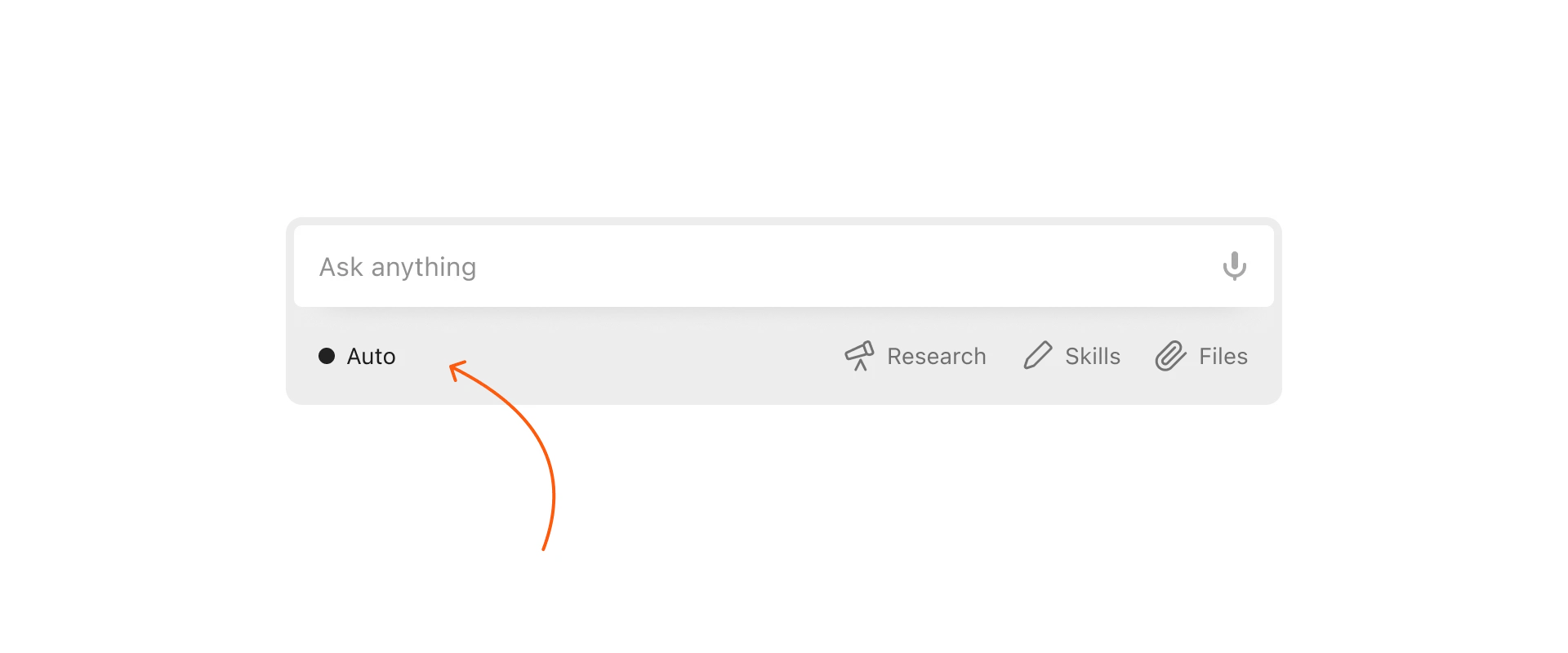
How does Automatic Model Selection work?
Mono analyzes your prompt the moment you hit send and routes it to the best-suited AI model for that specific task. Whether that's writing, research, data analysis, image generation, health questions, or planning. You don't have to think about which model to use.
But you can always pick a model, if you want to.
Why this matters
Most AI platforms put the burden on you. You're expected to know the difference between a reasoning model and a creative one, between a fast model and one that handles large amounts of data well. That's a distraction from the actual work you're trying to do.
Mono removes that friction entirely. You type your prompt. Mono selects the right model. You get the best possible output.
Who is this for?
Anyone who wants to use AI seriously with convenience. Whether you're a founder drafting investor updates, a marketer writing campaigns, or someone just looking for a quick answer: Mono's automatic model selection means the right model is always working for you.
Can I still choose manually?
Absolutely. Automatic selection is the default, but it's never the only option.
At any point, you can open the model selector below the chat field and switch to a specific model. Your choice overrides the automatic selection for that conversation. Switch back to auto whenever you want.
Mono is built for people who want powerful AI, without the overhead of managing it.